Drop in a picture
Choose an image, drag it onto the canvas, or paste it. You can start with the sample, too.
Drop an image here
You can also pick a file or paste (Ctrl+V)
Meet the sample
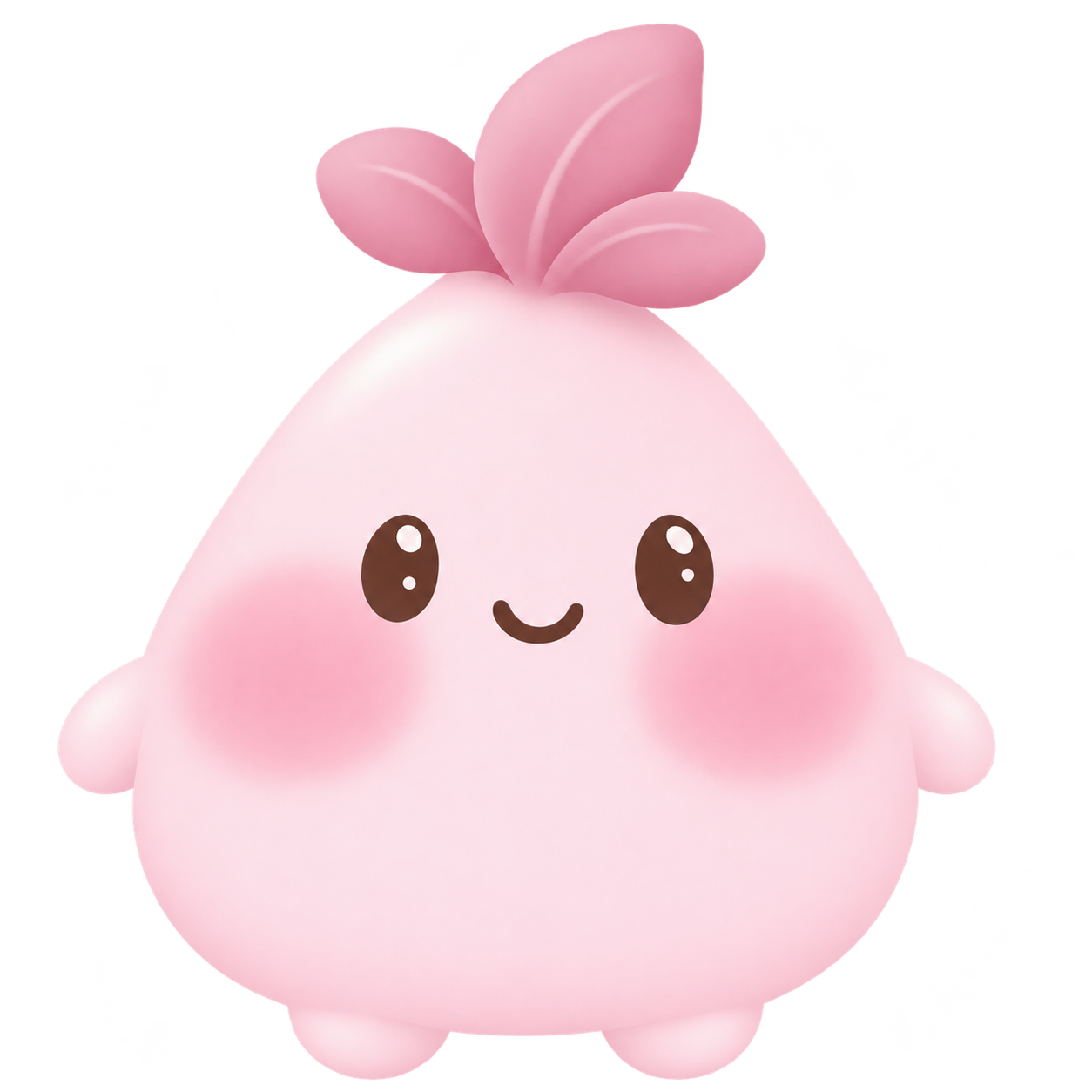
No picture handy? Try this little face.
Recorded!
Can't play in this browser
Please open it in a browser that supports WebGL2 (a recent Chrome / Edge / Safari / Firefox)
Go on, give it a squish.
WHAT IS MOTI HOPPE MAKER?
Moti Hoppe Maker is a squishy photo game you can play in your browser. You may also know it as Mochi Hoppe Maker or Mochi Hop Maker. Upload a picture, paint the areas you want to soften, then stretch, wobble, and record a GIF or video.
Brush over just the areas you want to soften. Leave the rest of your picture as it is.
Adjust the softness, stretch, and wobble. Then give it a pull.
Record the movement as a GIF or video, ready to download and share.
HOW IT WORKS
No animation skills needed. Just a picture and a little curiosity.
Choose an image, drag it onto the canvas, or paste it. You can start with the sample, too.
Brush over cheeks, ears, or anything you want to stretch. Use the eraser to tidy up.
Drag to bring it to life. Hit record, make a little movement, and download your GIF or video.
A LITTLE INSPIRATION
Start with our sample and see what a gentle pull can do.
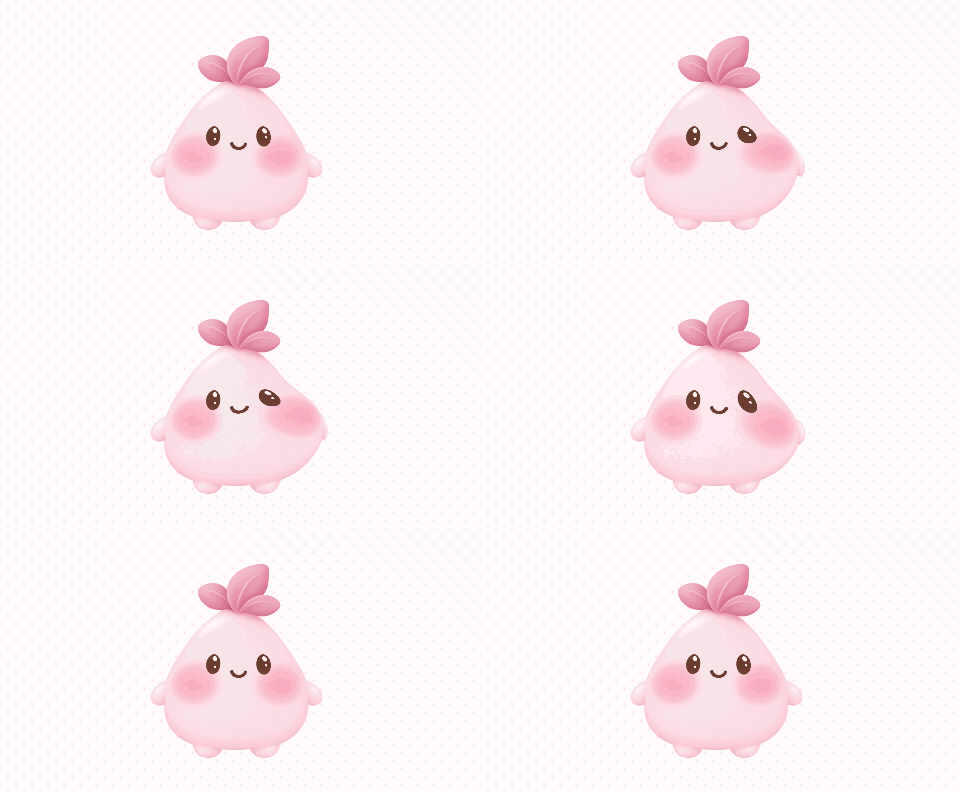
Made in this canvas · GIF recording
GOOD TO KNOW
Yes. You can import a picture, paint, play, and record a GIF or video without creating an account.
Your imported pictures are processed locally in your browser. They are not uploaded to a server by this tool. Sharing is something you choose after recording.
Yes, in a browser that supports WebGL2. Use one finger to paint or pull, and two fingers to zoom and move the picture. A recent Chrome, Safari, Edge, or Firefox is recommended.
Open settings and choose video or GIF, then press record and move your picture. Stop recording to preview and download it. GIF recordings are limited to six seconds; available video formats depend on your browser.
Yes. Paint the areas you want to move, then choose Play. You can return to painting, erase parts of the mask, or make the whole image squishy.
Whether you searched for Mochi Hop Maker, Mochi Hoppe Maker, or Moti Hoppe Maker, all three names refer to the same squishy-cheek game, もちほっぺ・メーカー. Add a picture, paint the areas you want to move, and pull the cheeks to make a playful GIF.